Table of Contents
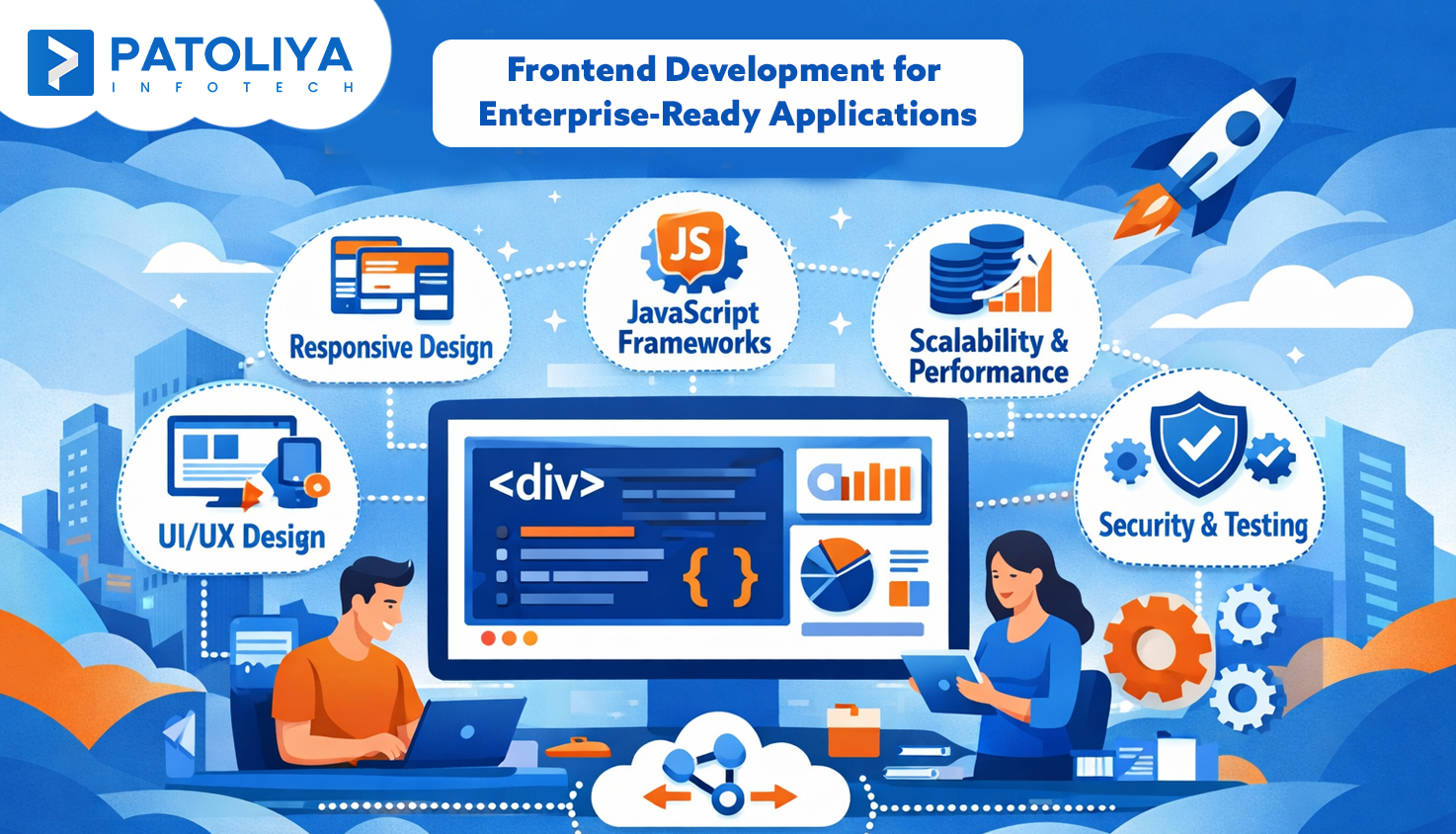
Frontend development has expanded beyond merely designing web pages to include frontend architecture planning, browser compatibility testing, performance optimization, and the creation of scalable single-page applications. The abundance of frameworks, libraries, and ever-evolving tools can be overwhelming to beginners, making it difficult to know where to begin. Professional-grade projects are built on a foundation of understanding the basics, such as HTML, CSS, JavaScript, and component-based UI development. Your work will be efficient, maintainable, and prepared for real-world deployment if frontend architecture and testing are given early attention.
An organized learning path for beginners is explained in this blog, which takes them from fundamental ideas to more complex subjects in frontend development. Additionally, it emphasizes useful advice, project-based tactics, company expertise, and industry best practices to assist potential developers in successfully creating scalable and ready for production apps.
Every frontend development project needs a deep understanding of how the web works. It is essential to comprehend how HTTP requests and responses are processed, how browsers interpret HTML, CSS, and JavaScript files, and how rendering engines display content.
This enables developers to forecast performance issues and optimize user experiences. Without this understanding, even advanced frameworks can result in unreliable and ineffective solutions.

The foundation of web interfaces is HTML. Your application will be maintainable and cross-browser compatible if you employ semantic elements, accessible markup, and an organized document structure. When incorporating dynamic features like single page application development, ignoring HTML fundamentals might result in inconsistent layouts, accessibility concerns, and other problems in frontend development.
For frontend development, CSS uses layouts, styles, and responsive design to make HTML come to life. Having expertise in box models, flexbox, grid, and media queries ensures that the user interface adjusts effectively on various platforms. Ignoring the fundamentals of CSS leads to inflexible layouts, poor responsiveness, and later excessive debugging.
Ignoring these fundamental abilities results in a poor frontend development architecture, which increases technical issues and makes testing for browser compatibility difficult.
For instance, it can require more hours to debug a poorly constructed HTML page that seems fine in Chrome but breaks in Safari. Cross-browser consistency is ensured by using semantic HTML and CSS.
The foundation of good frontend development is an understanding of fundamental JavaScript ideas like variables, functions, loops, and object-oriented programming. Reactive interfaces and effective code execution are ensured by an understanding of asynchronous operations such as promises and async/await. Ignoring these basics leads to a fragile frontend architecture, which makes it challenging to grow and manage features.
Effective DOM manipulation enables dynamic UI adjustments without page reloads, which is crucial for modern frontend development. Interactive experiences are ensured by managing events such as clicks, keyboard inputs, and form submissions.
For instance, consider a live search bar that dynamically filters content on a page without requiring a page refresh. This shows how JavaScript UI development supports responsive design.
Efficient debugging and performance monitoring are necessary to ensure smooth operation across devices and browsers through frontend development. While browser compatibility testing ensures consistent behavior across devices, browser performance profiling helps in optimizing rendering speed and memory usage.
Strong JavaScript abilities are essential for creating single page applications. This allows for responsive user experiences, minimal page reloads, and seamless navigation without compromising code maintainability.
For instance, Results are updated instantly as users type when a dynamic search bar is included in a single page application for frontend development. This ensures organized JavaScript user interface development within a strong frontend framework.
The foundation for creating scalable, maintainable, and effective web applications is frontend architecture. Early consideration of design helps beginners avoid messy code and refactoring when projects expand beyond modest demo apps.
Comprehending the interplay among components, state management, and routing establishes a solid basis for practical projects in frontend development. Additionally, it ensures seamless browser compatibility testing, which lowers defects in various settings.
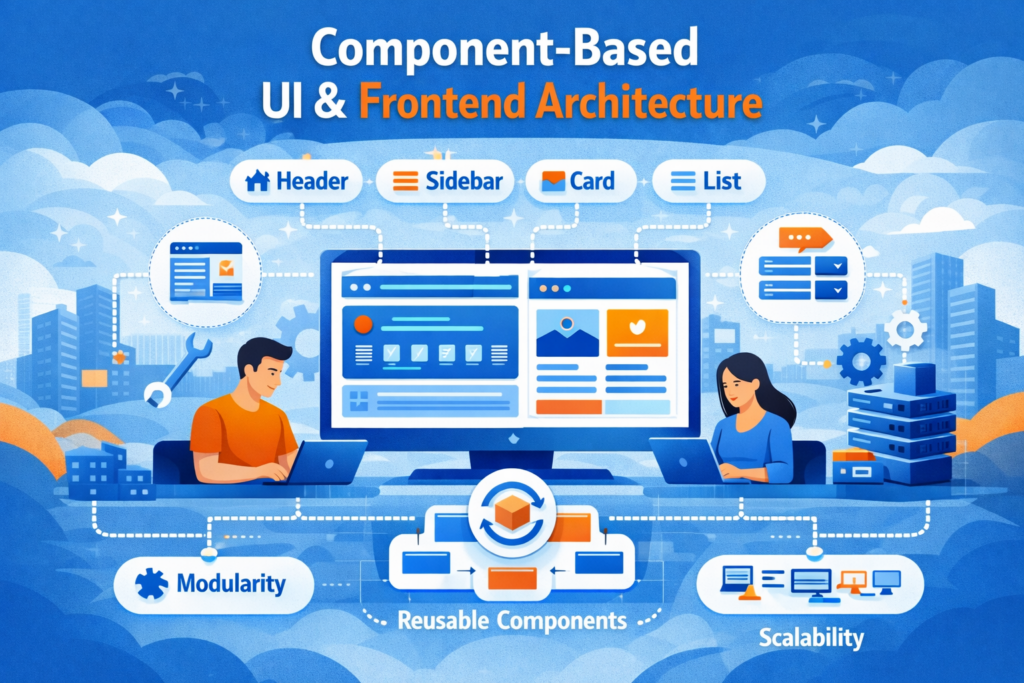
Developers can divide interfaces into reusable, independent parts by using a component-based approach. This modularity speeds up development and makes updates easier, particularly when working on complicated applications. Additionally, it works with frontend development frameworks such as Angular, Vue, and React.
Early design system integration ensures a consistent user experience, uniform styling, and quicker team communication. For instance, all actions will behave and appear the same when a common user interface element is used across pages, which saves time and reduces inconsistencies. Beginners can scale applications while preserving visual and functional consistency across pages by utilizing design system implementation in early efforts through frontend development.
Single Page Applications (SPAs) facilitate faster and seamless user experiences by dynamically loading content without requiring full page reloads. Building SPAs helps beginner frontend developers comprehend state management, routing, and asynchronous data processing in practical applications of frontend development.
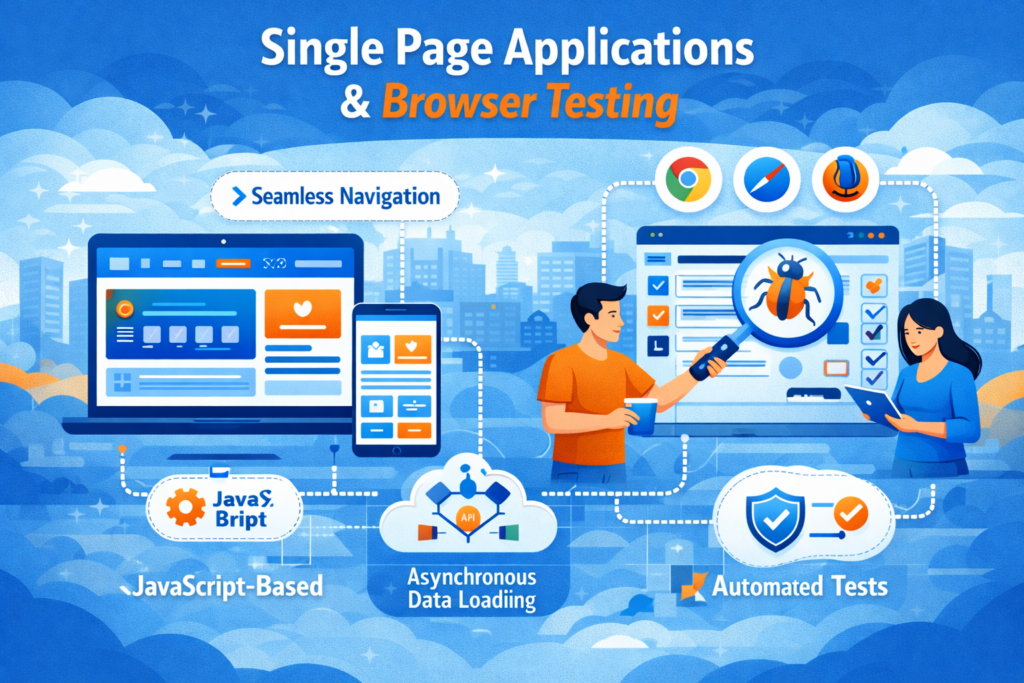
Furthermore, paying early attention to browser compatibility testing ensures that your SPA functions consistently across all devices and browsers. this avoiding performance problems and user annoyance in frontend development.
Choosing a framework such as React, Angular, or Vue is essential for the scalability and sustainability of a project.
Consider the learning curve, developer resources, community support, documentation quality, and tool and API integration capabilities.
Choose frameworks in frontend development that support your long-term development objectives and make component reuse, state management, and testing easier.
Create simple real-world applications like as an interactive dashboard, e-commerce cart, or task manager. Practice evaluating browser compatibility across devices while implementing frontend development concepts into practice. Create scalable web development by breaking projects down into reusable components, utilizing version control, and resolving practical issues like state management and API integration.
Being proficient in browser compatibility testing differentiates beginner frontend developers from their counterparts. Making sure your web application functions consistently in Chrome, Firefox, Safari, and Edge shows professionalism and attention to detail in frontend development.
Conduct early tests of responsiveness, functionality, and layout, and address abnormalities before they become problems. Additionally, this frontend development exercise strengthens an expert understanding of component behavior and frontend architecture.
Performance is just as crucial as looks through frontend development. To maximize user experience, sustain metrics like visual stability, interactivity, and loading speed. Understanding Core Web Vitals helps you stand out in interviews and enhances your projects. Employers prefer people who can combine web UI development abilities with practical testing. This ensures that apps are trustworthy and quick in any browser.
Patoliya Infotech helps companies with frontend architectural implementation that is growth-oriented, scalable, and maintainable. Structured mentoring helps beginner and intermediate developers, ensuring that projects progress seamlessly from prototypes to apps that are ready for production.
Patoliya Infotech supports quicker development and consistent user experiences by utilizing modular design and component based UI development. This method assists teams in concentrating on modern frontend development best practices, efficiency, and maintainability.
Browser compatibility testing is a top priority for our professionals in frontend development. this ensuring that apps work flawlessly on all popular browsers and devices. In addition to improving user experience and lowering errors, this gets projects ready for worldwide deployment.
Structured learning is more important for frontend development success than hopping between different technologies. Build a strong foundation with HTML and CSS first, then refine your JavaScript and user interface development abilities. Early comprehension of frontend architecture gets you ready for projects that are scalable and maintainable.
Get practical experience with routing, state management, and real-world functionality by moving on to single page application development. Employers and clients really value your apps' ability to function flawlessly across all major browsers and devices, which is ensured by practicing browser compatibility testing throughout this process of frontend development.
Beginners have access to their expertise into ready for production, superior applications that stand out in the crowded web development market using this progressive strategy.