Table of Contents
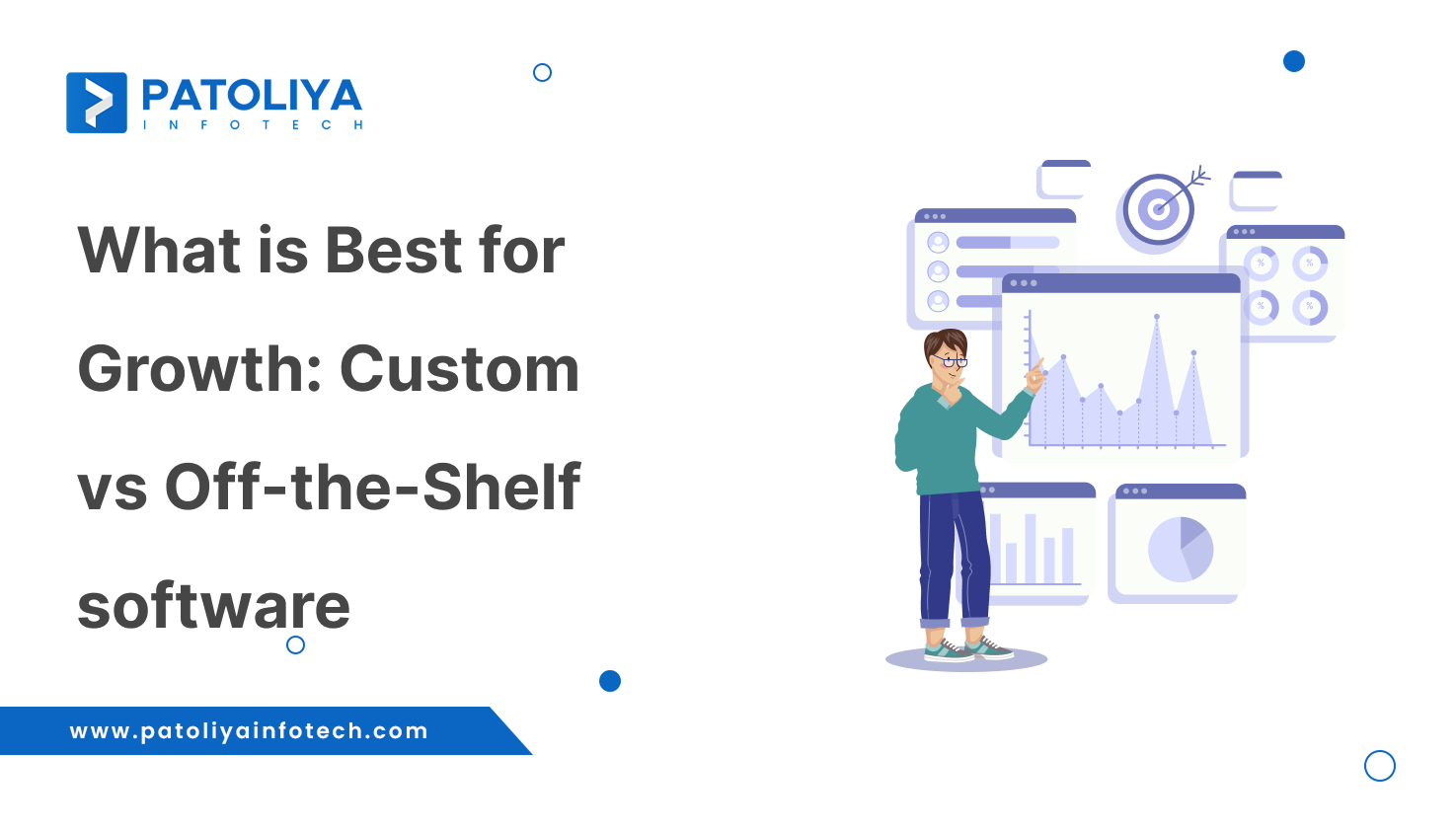
The industry's requirements determine whether custom vs off-the-shelf software is used. If anyone needs something fast, such as a shoe for a wedding tonight, they can borrow it from a buddy. Taking from a friend can help to cut short-term costs while also meeting urgent needs. If someone wants to buy branded shoes that are comfortable, flexible, and standard, it may be expensive at first, but in the long term, it is worthwhile.
Similar to how this custom software functions as your own branded shoes, off-the-shelf software is quick, inexpensive, and compatible with all types of shoes. Fast deployment and cheaper initial costs are promised by off-the-shelf software. Over time, custom software offers greater ROI, scalability, and flexibility. Your operating requirements, timetable, budget, scalability objectives, compliance requirements, and a digital growth roadmap will all influence your decision.
Off-the-shelf software is a predefined, predetermined solution designed for a broad user base. It has standard features that meet general business requirements without requiring time for development.
These could be accountancy software, project management, and CRM applications, or anything else.
Custom software is a completely customized solution created especially for a company's particular workflow requirements, objectives, and processes. Each element is designed with the organization's operations in mind.
| Criteria | Custom Software | Off-the-Shelf Software |
| Cost Comparison | This requires a bigger upfront expenditure, but you own the product. There are no forced upgrades and monthly licensing payments. This provides long-term ROI for developing enterprises. | Inexpensive in the beginning, but costs accumulate over time. This could include subscriptions, additional user fees, and upgrades. This is inexpensive at first but costly over time. |
| Development Time | It takes time to build because everything is designed around your workflow. The outcome is ideal for your company, but the timeline is dependent on complexity. | Almost quick access. You can install it and use it the same day. This is ideal for those who require a rapid solution without special features. |
| Scalability | Created to expand with your company. Whenever necessary, you can add additional automations, users, modules, and features. | Scalability depends upon the plans and limitations of the vendor. It is possible that you will outgrow the system and require expensive updates or a full switch. |
| Control & Flexibility | Everything is constructed according to your preferences, including features, user interface, integrations, and automations. Ideal for companies with special procedures. | There is not much customization, and you have to change your workflow to fit the program. |
| Integration Capabilities | This integrates seamlessly with the ERP, CRM, HMS, and accounting software that you already have. Developers can create any necessary API connection. | Platforms have different integrations. You only receive what the seller provides. Custom integrations could be expensive and limited. |
| Security | Increased security since it is customized to meet your industry's and compliance requirements. less chance of attacks with a large target. | Generic security measures are designed with a broad user base in mind. Hacking efforts and common vulnerabilities are likely to affect popular technologies. |
In custom vs off-the-shelf software, custom software provides long-term control, scalability, and security that are specific to your company, whereas off-the-shelf technologies provide rapid implementation but have limited flexibility and rising hidden costs.
In custom vs Off-the-shelf software, this is a fast, affordable, and reliable option for companies that require instant functionality without the development of custom software.
The features and structures of off-the-shelf tools are fixed. You frequently have to modify your procedure to meet the software requirements if your company has different procedures.
This is initially inexpensive, but with time, it will cost more due to monthly subscriptions, per-user fees, integrations, and upgrade related costs.
The provider's cost, support, and roadmap will determine this development. The company is forced to change or migrate if it removes features, raises pricing, or stops selling the product.
The majority of commercially available software integrates with the tools that it is authorized to support.
It is challenging to link everything seamlessly if your company uses specialized and customized technologies.
Your software may not keep up with the development of your business.
Most companies ultimately run out of off-the-shelf tools and may feel driven to use custom solutions. Because off-the-shelf software results in higher costs and downtime later on.
Off-the-shelf platforms use standard security protocols, yet they are widely used. This increases their visibility to potential attackers.
The security layer cannot be tailored to your sector and compliance requirements.
You will not be able to obtain a feature that is not included in their roadmap. This affects your capacity for innovation.
In custom vs Off-the-shelf software, this is frequently a restricted option for expanding enterprises due to its limits in terms of flexibility, scalability, integration, and long-term cost.
In custom vs Off-the-shelf software, Custom software offers complete control, improved security, seamless integration, customized workflows, and long-term return on investment. This makes it perfect for companies looking for flexible and scalable solutions.
Because the system is tailored to your business, it takes time to plan, design, create, and test.
This can slow down your implementation if you have an immediate need for a solution.
Custom development can be most effective when you are crystal clear on your needs, goals, and workflow for the long term.
Unclear or constantly changing requirements lead to delays and an increase in expenses.
You'll be looking for a reliable development partner for updates, bug repairs, and enhancements.
While this provides you control, it also includes taking on long-term maintenance responsibilities.
In custom vs Off-the-shelf software, Custom software provides specialized solutions, it has greater initial costs, has specific criteria, and requires continuous maintenance.
The majority of commercial platforms have a license-based or subscription-based business model. When comparing custom software vs off-the-shelf software, this gets costly over time as costs accumulate on a monthly and annual basis. Typically, this consists of:
The majority of the investment in custom software is made up front. The complexity and aspects of the project determine the cost. This lowers other costs and is worthwhile in the long run. This comprises:
Your subscription includes maintenance, but you have no control over it.
The structure of maintenance is based on your development. You can decide whenever you want to upgrade. Typical expenses include:
At the cost comparison of custom vs Off-the-shelf software, While custom software involves a larger initial investment but offers complete control and predictable long-term maintenance costs, off-the-shelf software spreads costs through recurring fees with little control over upgrades.

The process begins with an understanding of your company's workflow, goals, challenges, and gaps that must be addressed. Identify which existing system limitations you want to overcome. Custom software development specific to your team's operating needs.
The development team produces a comprehensive blueprint after the requirements are completed. This describes the features, technology stack, system architecture, and delivery schedule. This blueprint guides the entire software journey. This ensures accuracy and coordination between the development team and the business.
The main goal of the UI/UX design phase is to make interfaces that are easy to use and intuitive. These designs make daily tasks easier while reflecting your brand. To help you see how the finished software will appear and work, designers provide wireframes, user flows, and prototypes.
Your unique solution was developed here. Developers provide the backend systems that offer automation and data flow, as well as the frontend interface that users engage with. Iterative sprints are used to develop features, providing you with complete visibility of progress.
ERP, CRM, accounting software, HMS, and internal systems are all designed to blend in perfectly with your current setup.
Rigorous testing of the software is done before it goes live. This is to assure security, performance, accuracy, and stability. This encompasses User Acceptance Testing (UAT), performance assessments, functional testing, and integration testing. This aims to reduce faults and make sure the program is ready to use without interruption.
When testing is complete, the program is deployed to the cloud or on-premises environment of your choice. To ensure a seamless transition, onboarding, training, and documentation are performed with your team. At this stage, the tailor-made solution becomes an active part of your daily business operations.
The software continues to develop with your company after launch. This covers regular updates, bug fixes, performance optimization, feature improvements, and the integration of new modules as your needs change.
With custom software vs off-the-shelf software, you have complete control over how fast system growth occurs and the impact of changes.
Custom software provides a customized, fully integrated solution with total control over functionality, scalability, and workflow, as demonstrated by the contrast between custom vs off-the-shelf software.
In the beginning, small enterprises frequently don't require complex systems. Off-the-shelf software is typically a better option for them because it offers ready-to-use capabilities, quick setup, and a reduced initial cost.
When your operations grow and you have special demands, off-the-shelf is the greatest solution, as you can move to custom.
A local retail business manages sales and billing without employing a development staff by using solutions like POS software, Zoho Books, or Shopify.
Startups expand quickly, and their requirements change every several months. Using off-the-shelf tools may limit creativity and differentiation.
Start-ups can get up and running with off-the-shelf software, then go to custom software when they are ready to scale, automate, and compete.
Custom features of multi-vendor onboarding, rider tracking, smart routing, and wallet integration are required in a food delivery startup. They require a tailored one to fulfill operational needs.
Enterprises deal with huge amounts of data, complex operations, and various divisions. Custom software is the best option in this case since it involves accurate control, scalability, and tight system integrations.
Custom software provides long-term ROI, security, compliance, and extensive flexibility.
A multinational corporation is developing its own ERP and CRM systems that are connected with HRMS, finance, supply chain, and analytics modules.
| Industry | Off-the-Shelf Software – When It Works Well | Custom Software – When It Works Well |
| Healthcare | Basic HMS or EHR systems for small clinics, with ready scheduling, billing, and patient data. | Advanced workflows include monitoring in the ICU, integration of PACS or LIS, telehealth, automation in insurance, and HIPAA or NABH compliance. |
| Fintech and Banking | Ready KYC tools, payment gateways, billing, and accounting systems. | High-security platforms, fraud detection systems, core banking integrations, and strict compliance workflows. |
| Logistics and Supply Chain | Chain Standard transport tracking, delivery management, and warehouse dashboards. | Route optimisation, automated inventory logic, and multiple hub tracking. |
| Retail and eCommerce | POS, CRM, inventory, and Shopify-powered websites. | Custom marketplace platforms, loyalty engines, enhanced personalization, and multiple vendor systems. |
| Education and LMS | Standard learning management tools, video courses, and student records | Adaptive learning, tailored analytics, unique examination systems, and ERP integration |
| Manufacturing | Basic ERP systems for finance and HR. | Custom MES, plant automation, machine monitoring, and predictive maintenance. |
| Hospitality and Travel | Booking systems, hotel PMS, CRM, and tickets. | Custom property management, loyalty engines, pricing optimization, and channel integration. |
| Real Estate | CRM and Listing Software | AI-powered property matching, workflow automation, and marketplace platform development. |
Combining both custom and off-the-shelf software is often the best course of action. With a hybrid strategy, businesses can quickly launch with existing tools while developing unique components that provide automation and differentiation.
For essential aspects like CRM, billing, or HR operations, you begin with an off-the-shelf system, and then:
This strategy offers companies cost-effectiveness, speed, and flexibility without compromising innovation.
Faster time to market, regulated investment, and scalable architecture are all achievable with a hybrid strategy.
| Evaluation Factor | What to Look For |
| Experience and portfolio | Previous experience in your field and similar complexity |
| Technology expertise | Cloud-first strategy, modern tech stack, and security procedures |
| Process and methodology | accountability, milestone-based delivery, and agile development |
| Integration capabilities | Connectivity to cloud tools, APIs, ERP, and CRM |
| Cost clarity | Clear price structure with no additional costs |
| Post-launch support | Long-term product plan, maintenance, and upgrades |
| Communication and collaboration | Frequent inspections, prompt responses, and open communication |
| Scalability mindset | Capacity and feature growth in conjunction with your business |
| Feature | Off-the-Shelf Software | Custom Software |
| Cost | This is affordable at the beginning. Just buy a license and subscription to begin utilizing it. | Higher starting costs but greater long-term savings due to the removal of additional tools and manual labor |
| Setup Time | Almost quick: just download, register, and get started. | It requires weeks or months to build, so it is perfectly tailored to your requirements. |
| Customization | You have limited flexibility and have to adapt to what is offered. | Designed with your process in mind, not the other way around. |
| Maintenance | The vendor handles maintenance, updates, patches, and support, so your staff won't have to worry. | Technical support is required, but you have control over when and how upgrades happen. |
| Scalability | Works great unless your needs get too specific or complicated. | Designed to grow and change with your company. |
| Integration | Simple integrations that might not be compatible with complex system logic. | smooth interaction with all of your databases, workflows, and tools. |
| Security | Security is intended for users in general. | Customized security layers designed for high-risk and vulnerable environments. |
| Long-term ROI | High short-term worth | Increased long-term return through automation, competitive advantage, and efficiency. |
Many people believe tailored solutions are only for large organizations with large budgets. In reality, costs differ based on scope and phased development. Businesses can start small and expand with Agile and modular building.
Custom software eliminates manual work, multiple subscriptions, and increases efficiency. This delivers a long-term ROI.
Custom software is not an expense, but rather an investment. It is more affordable than using many off-the-shelf tools.
Off-the-shelf solutions are not designed for your particular workflow, but rather for everyone. They work well for routine tasks. There are restrictions when your company expands or needs special functionality. What is ideal for one business is not effective for another.
Agile sprints, cloud infrastructure, and modern development frameworks speed up custom development. You receive functional modules in an organized way. This allows you to begin using them while development is ongoing.
A product's popularity does not guarantee that it is the safest choice. Also, mass-market software is more vulnerable to cyberattacks.
Advanced encryption, industry-specific security layers, and regulatory standards are included in custom solutions. Implementation is what determines security, not the kind of software.
You rely on the vendor for updates, pricing, support, and roadmap choices when using off-the-shelf tools. You have little control if they raise prices and discontinue a feature. This will have an impact on your entire workflow.
Select suppliers who have robust service SLAs, flexible contracts, and clear roadmaps. Avoid using a single tool for tasks that are crucial to your objective.
Monthly pricing is acceptable, but integration fees and per-user costs can quickly increase. Some organizations end up spending more on an annual basis than they would for a tailored solution.
Before onboarding, ask for detailed cost breakdowns and long-term pricing guarantees. Review usage regularly and eliminate functionality that your organization doesn't require.
Custom software can be difficult to grow or maintain if it is poorly designed and lacks a long-term strategy. This results in technical debt. Selecting the appropriate partner and development strategy is important.
Invest in careful QA, phased development, and solid architecture. Select a development partner who places a high value on documentation and scalability.
Without user adoption, no program will produce results. Ignoring training and onboarding can lead to the failure of poorly designed custom tools and complex off-the-shelf technologies.
Perform practical onboarding, get genuine user input, and adjust procedures based on real usage. Create internal champions to boost confidence and adoption.
| Migration Aspect | Moving from Off-the-Shelf to Custom Software | Moving from Custom to SaaS or Off-the-Shelf |
| Data Migration | Before your data can be integrated into a new custom architecture, it needs to be cleaned up and restructured. Although it may take some time, in the long run, the system is cleaner and smarter. | Because not all custom fields may be supported by the SaaS application, you could face limits and format inconsistencies. Certain data may require manual processing. |
| Downtime Risk | To prevent business disruption, detailed planning, a phased rollout, or temporarily running both systems together is necessary. | First-time setup or transfer procedures can result in temporary outages and slowdowns. |
| Training Needs | After a team adopts a new interface and workflows, productivity often increases, but it takes some time to get used to them. | Users find it difficult to adapt to fewer features or limitations as compared to the personalized system. |
| Cost Impact | Long-term savings as subscriptions expire, but higher initial costs due to development and migration work. | Subscription payments begin, and you have to charge more for missing features or upgrades. |
| Integration Setup | Integrations are customized to your workflow, but they must be rebuilt from the ground up. | If the new SaaS product does not enable automation and custom integrations natively, there is a risk of losing them. |
Recognize the amount of time and work that the system will save.
Compute:
For instance:
If 20 workers save 10 hours a month,
Monthly savings of 200 hours (10 hours × 20 employees)
An improved system can alter consumer experience in addition to internal processes.
Think about:
Example results:
A 5% increase in retention can boost yearly income considerably.
Cash cycles can be accelerated by processing orders or billing more quickly.
Apply the standard ROI formula:
ROI = (Total profit – Total Cost) / Total Cost
Then, rather than monthly, project results are spread out across three to five years.
Long-term ROI might be much higher than short-term costs, especially for specialized software.
Businesses create customized solutions without significant coding knowledge with modern low-code tools.
This becomes a good choice for many small and mid-sized teams as this is more flexible than inflexible SaaS products, and quicker than custom creation.
AI is making custom software more intelligent and flexible.
These days, systems use real-time data to learn, forecast, and automate tasks.
Conventional SaaS was formerly universally applicable.
These days, companies want modular platforms that allow them to activate just the functionality they require.
By integrating only what offers value, you can avoid paying for features that aren't used.
Integration is the foundation of modern systems.
Businesses can easily link different tools using API-first architecture, which is essential for hybrid solutions that combine custom and SaaS.
Every business has its own individuality, and based on this, what kind of software is perfect varies. In custom vs off-the-shelf software, Off-the-shelf tools can be a wonderful start when you just need something that works right now without a huge investment. But when your team grows and your operations become more sophisticated, you need something that meets your unique needs. Custom software can help with it. It takes more effort and investment initially, but it pays off through automation, scalability, ownership, security, and long-term savings.
Businesses occasionally use hybrid tactics. They employ offshore software for some urgent work and custom software for complex activities that need to be customized. As a result, they can adapt to the workload.
A supplier is crucial for both. Someone with outstanding development skills is needed for custom software, but someone who understands all of your concerns and offers excellent long-term support is needed for off-the-shelf software. Patoliya Infotech offers high-quality solutions that address all of your needs.