Table of Contents
A retail management system is essential for growing retailers that need to manage multiple products, stores, and sales channels. As operations grow, billing errors, stock errors, and delayed reporting begin to affect profitability and customer satisfaction. A structured retail management system integrates sales, purchasing, and inventory under a single operating framework.
As a direct result, working capital difficulties are reduced, and inventory accuracy is increased. Modern retailers use an integrated retail management system to gain real-time visibility, automate replenishment, and ensure price consistency. Companies can make valuable decisions that preserve margins and increase profitability at the retail level.
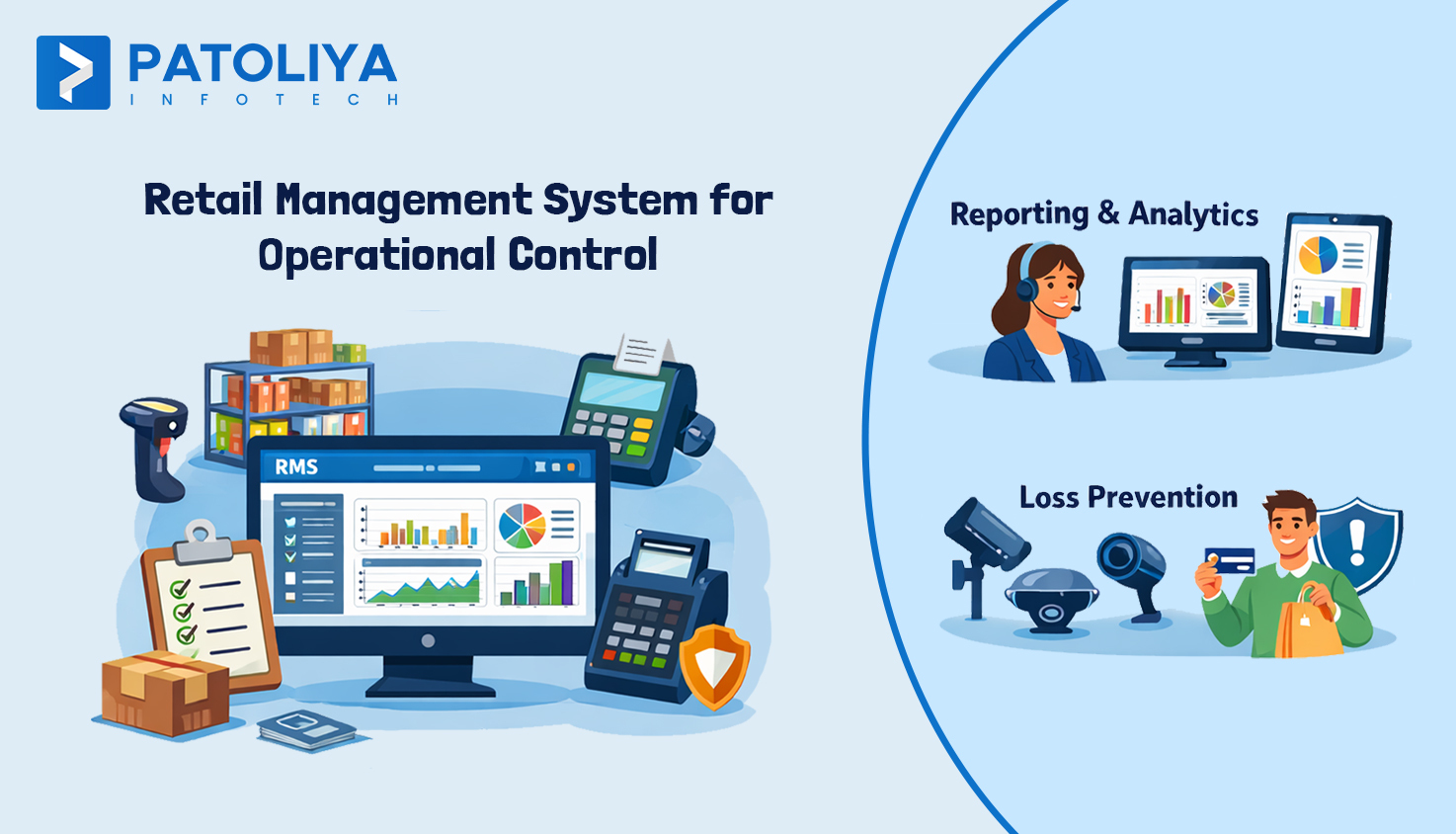
Retail software is an operational control system that enables merchants to manage sales, inventory, purchasing, pricing, and reporting from a single platform.
Store managers can use a retail management system to see what is selling, what needs to be reordered, and where the margin is leaking in real time without manual effort.
It replaces disconnected billing tools, Excel sheets, manual stock counts, and fragmented reports. Simultaneously, it ensures that data flows automatically between departments by connecting suppliers, stores, warehouses, and finance systems through a structured retail inventory management system.
Retail in the modern period functions through social media, markets, e-commerce, and physical storefronts. Delays in decision-making, pricing differences, and stock problems result from managing this complexity without centralized control.
We will see how a retail inventory management system optimizes stock accuracy, lowers shrinkage, and improves billing. We focus on how retail management software functions in daily retailer operations and the essential modules that retailers actually want. Additionally, it helps to learn how to practically evaluate a product, how to choose reliable retail software partners, how to implement it, and what to look for before buying a retail management system.
A point of sale system (POS) handles daily reports, discounts, returns, and billing. After every sale, it reduces stock and allows for basic inventory control for retail. However, it usually provides limited replenishment planning and visibility for a single store. This is where custom retail software becomes essential. Gaps in centralized tracking and reporting become visible as activities expand.
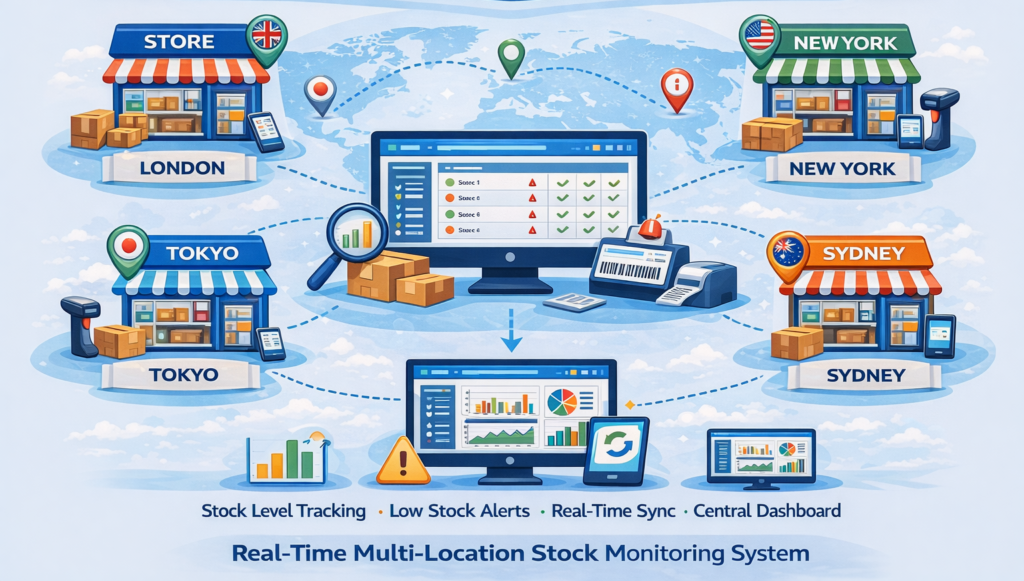
ERP systems manage compliance, accounting, consolidated reporting, and procurement approvals. Although they offer financial oversight across all locations, they do not provide quick judgments about inventory at the store level.
For instance, the head office centrally manages monthly profit statements for every branch, vendor payments, and GST filings.
A retail management system connects store operations to financial systems. A retail inventory management system providing centralized control over all locations, automated replenishment, interpersonal transfers, and real-time stock visibility.
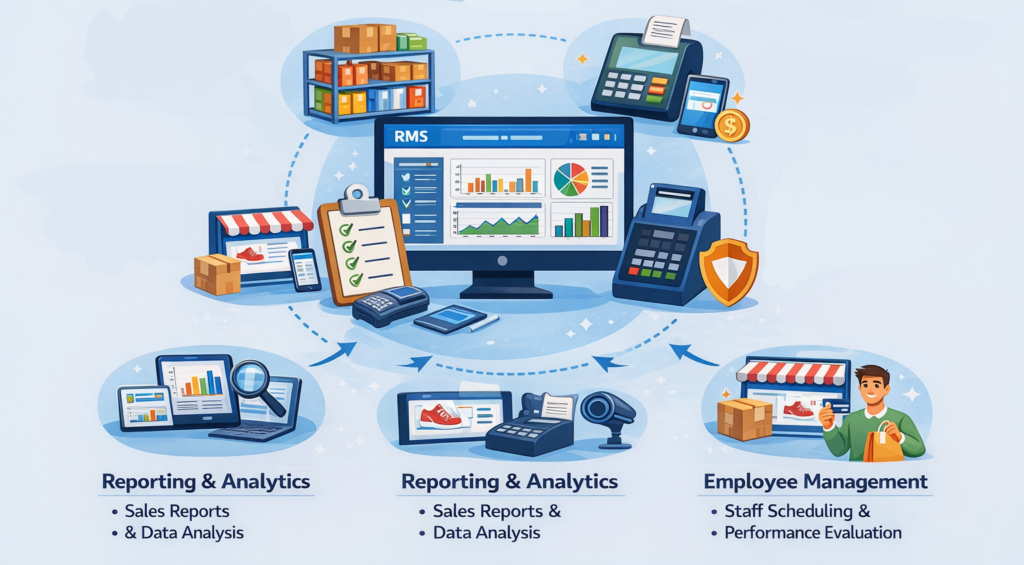
This module provides real-time stock visibility across warehouses and outlets. Retail management software monitors slow-moving and fast-moving items, sets reorder criteria, monitors store transfers, and reduces dead stock. Every sale, return, and change is immediately entered into the retail software. By doing this, manual errors and stock gaps can be avoided.
For instance, when sneakers in a store fall below the minimum level, instead of issuing an immediate purchase order, the retail management system initiates a transfer from a nearby outlet.
Invoicing must be synchronized directly with inventory to maintain accuracy. An integrated retail POS system keeps track of returns in real time, enforces centralized pricing policies, and updates inventory. A retail inventory management system for retail ensures consistent reporting and clean daily reconciliation across different locations.
For instance, during discounted holiday sales, revenue, taxes, and inventory data are automatically updated across all branches without human intervention.
This module automatically schedules purchases based on current inventory levels and actual demand patterns. Retail inventory management systems monitor pending orders, delivery schedules, and supplier prices to strengthen retail supply chain resilience and keep purchasing costs under control.
For instance, before final approval, the retail management system flags suppliers with delayed shipments and uses 30-day sales data to suggest reorder quantities.
Retailers have to deal with empty shelves for fast-selling products, while slow inventory prevents internal revenue flow. Real-time inventory movements, sell-through rates, and store reorder levels are displayed through the retail management system, which solves this problem.
This helps managers rebalance inventory using live data from retail management software, reducing lost sales and unnecessary holding costs.
Manual price changes and disconnected counters result in long queues and inconsistent invoices. Integrated POS billing software synchronizes tax laws, discounts, and prices centrally. The store management system ensures that all counters show the same data and saves checkout time.
Manual modifications and uneven returns lead to excess shrinkage. A retail management system uses approval protocols and user logs to document each change. Traders can use it to identify questionable trends and stop losses before they occur.
Retailers expect a retail management system to combine marketplace, e-commerce, and data into a single dashboard. Real-time synchronization is essential for sales, returns, customer history, and inventory levels.
A connected retail inventory management system ensures that online orders are immediately reflected in the store's availability. A retail management system allows click and collect without the need for manual coordination, which avoids order cancellations and loss of revenue.
Store employees use portable devices for stock replenishment, inventory control, and invoicing. Managers approve transfers and discounts directly from their locations in a mobile workflow, reducing wait times and increasing revisions through retail management software.
Retailers expect predictive analytics insights that examine regional trends, seasonality, and sales velocity. Integrated customer loyalty program software incorporates customer behavior data into demand forecasting. Retail management system reduces unnecessary inventory investments and improve inventory planning.
Before selecting a module, record actual store operations, including purchase requests, inventory transfers, return approvals, and invoicing flows. The actual processes should be reflected in the retail management system to avoid over-configuration and subsequent user resistance.
Before migration, remove vendor codes, tax categories, pricing policies, and product names. Poorly designed SKUs lead to weak retail inventory management systems, which can quickly lead to reporting problems.
To prevent rework, choose integration before the implementation of retail management system. This can happen,
Having clarity early on ensures that there are no data silos in your retail management software.
Start by opening two or three stores. Before extending the retail management system to the entire network, test the purchase cycle, inventory transfer, and invoicing under real conditions.
Create standard operating procedures (SOPs) for returns and approvals to ensure data accuracy and system discipline. Train and help store managers with real-world scenarios and perform regular audits through retail management software.
Choose a retail management system suitable for your industry, such as pharmacy, electronics, supermarket, or fashion. Your stock speed, return policy, and workflow are different.
Depending on your category, your retail inventory management system should provide batch tracking, size calculations, and expiration monitoring.
Finance teams need margin and tax summaries; Store managers need daily sales and inventory updates. Make sure the dashboard is easy to use, and access is based on roles to avoid data misuse.
Verify user activity logs, automatic backups, and encrypted data storage for retail management software. Retail data loss has a direct impact on compliance and billing accuracy.
Consider the costs of upgrades, implementation fees, device compatibility, and license fees. Pricing in retail store management software should be clear and free of hidden integrations or support costs.
At Patolia Infotech, operational gap analysis and workflow mapping are the first steps in the implementation process. Before proposing a structured approach to a retail management system tailored to business objectives. The teams must identify bottlenecks such as inventory discrepancies, invoicing delays, and manual reconciliation issues.
The modules are installed in a scalable architecture that prevents changes as compared to requiring extensive custom coding. It supports long-term retail growth with enhancements, integrations, and version upgrades for the retail management system. Connect with our technical architects for a tailored strategy.
Integrations with ERP, e-commerce platforms, payment gateways, and warehouse systems are planned early. By doing this, data silos are prevented, and the retail software system works as an integrated ecosystem.
A systematic audit of billing gaps, inventory errors, late reporting, and reconciliation issues should be the first step. Clearly define metrics such as margin visibility, sell-through rates, and inventory cleanliness before choosing any retail inventory management software vendor.
Use the core components of a retail inventory management system to launch a controlled pilot in one or two stores. Before expanding to all sites, track improvements in working capital, billing times, and inventory turnover within 60 to 90 days.